VR Room
Overview
Project
Creating VR rooms (website) to host events which would have taken place in real life.
Duration
It takes about 1 full weeks worth of work to complete one.
Problems
Due to Covid 19, the majority of events were delayed or cancelled. However, we still wanted to host the events some how.
Goals
To create a real life style event but online... Everything else was asked to look and feel the same as it would in person.
My role
UI/UX designer, graphic designer, technical support and art worker.
My responsibilities
To work with the 3D modelling team to create the room. To support the project manager with client request and the dev team with FTP support. To create all the visual assets and create a great experience.
Understanding the users and problem
As this was a new project (even to our particular industry), most of the work was learnt on the spot. The problem was, the company and client wanted to still go ahead with an online version of the event.
I then stepped in and had a conversation with the lead modeller and project manager to come up with a solution to set up a number of ‘ready to use‘ templates. This is where I helped with a floor plan and wireframe of what would be required and suggested how we can collect data and information form the client, effectively.
The audience was going to be everyone who planned on attending the real event. As the audience came from different backgrounds, I wanted to make the event as intuitive and as simple as possible – as close to reality as possible!
The full work process
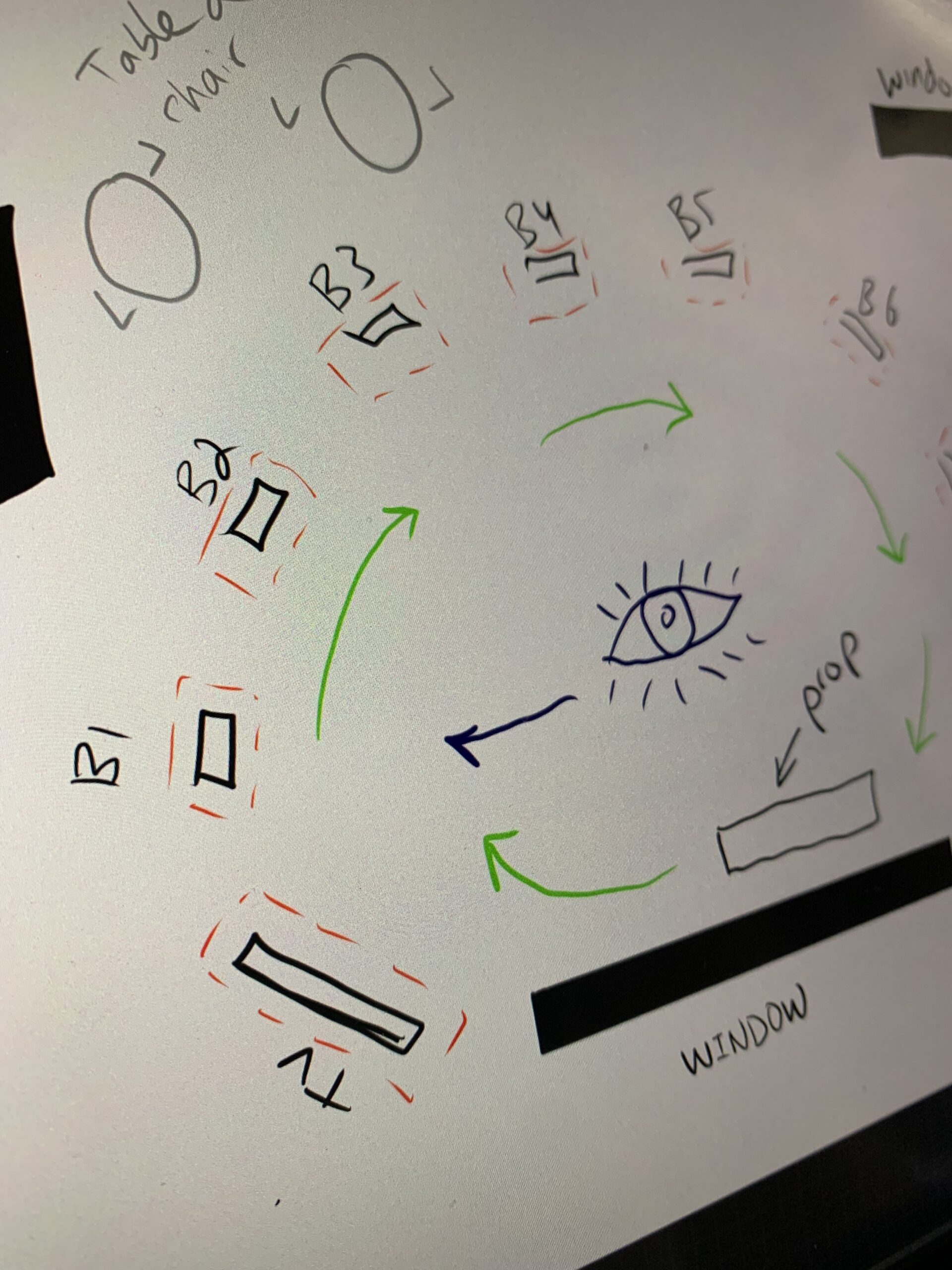
During the planning stage, we had to figure out the size of the room and how many items it can host and what sort of item will be need.
As well as, figuring out what all of the external files will be and planning out a design for them.
The floor plan was really important, as it helped me design the room accordingly. It really helped save time and identify where each item will be placed and the direction of view for the room.
After reviewing and agreeing on the floor plan with the project manager, I passed the work over to the modelling team to create the assets and provide me with a 3D render to test.
Once the 3D render was sent to me, I did a walk around and test, to provide some design feedback.
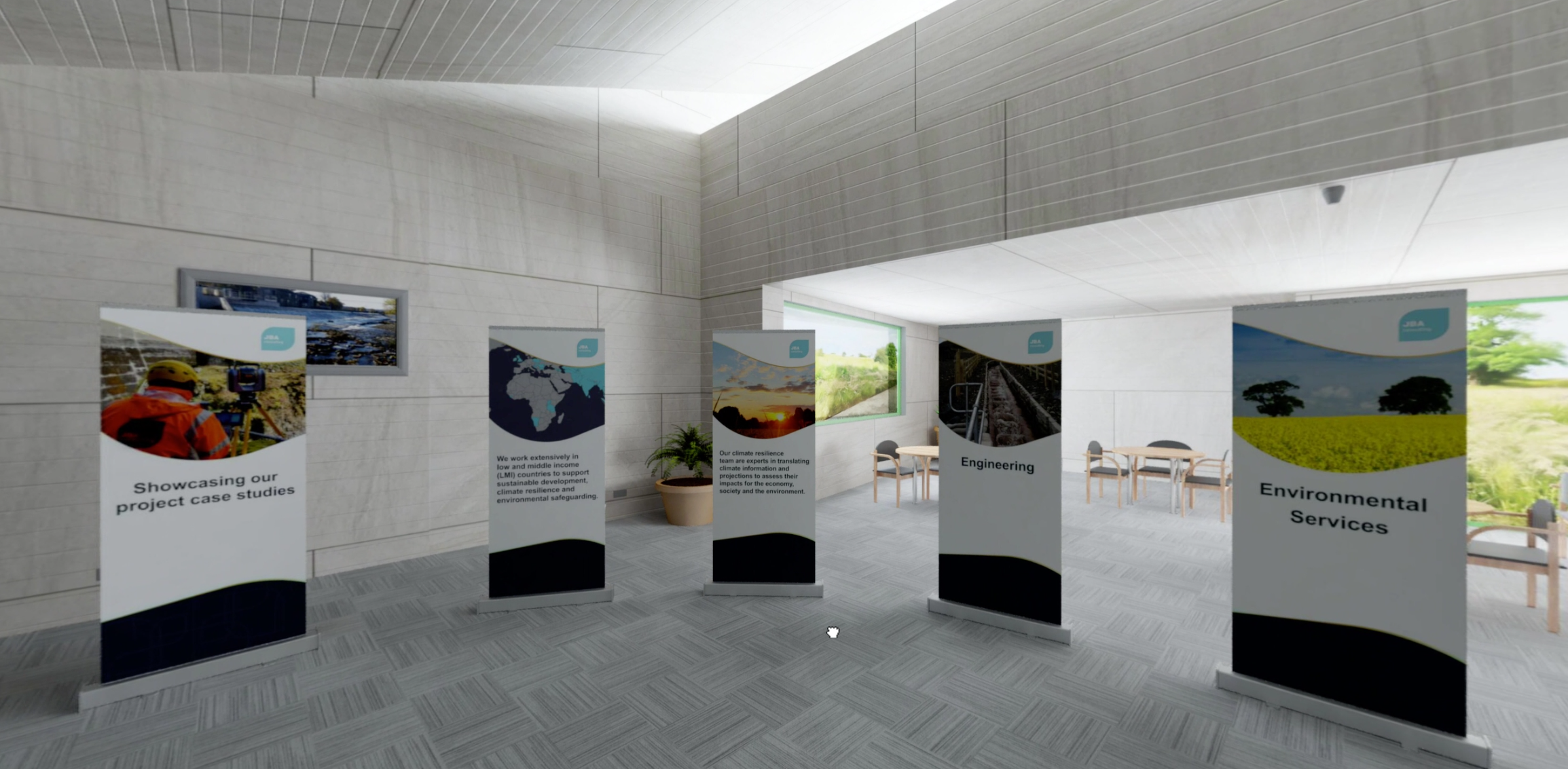
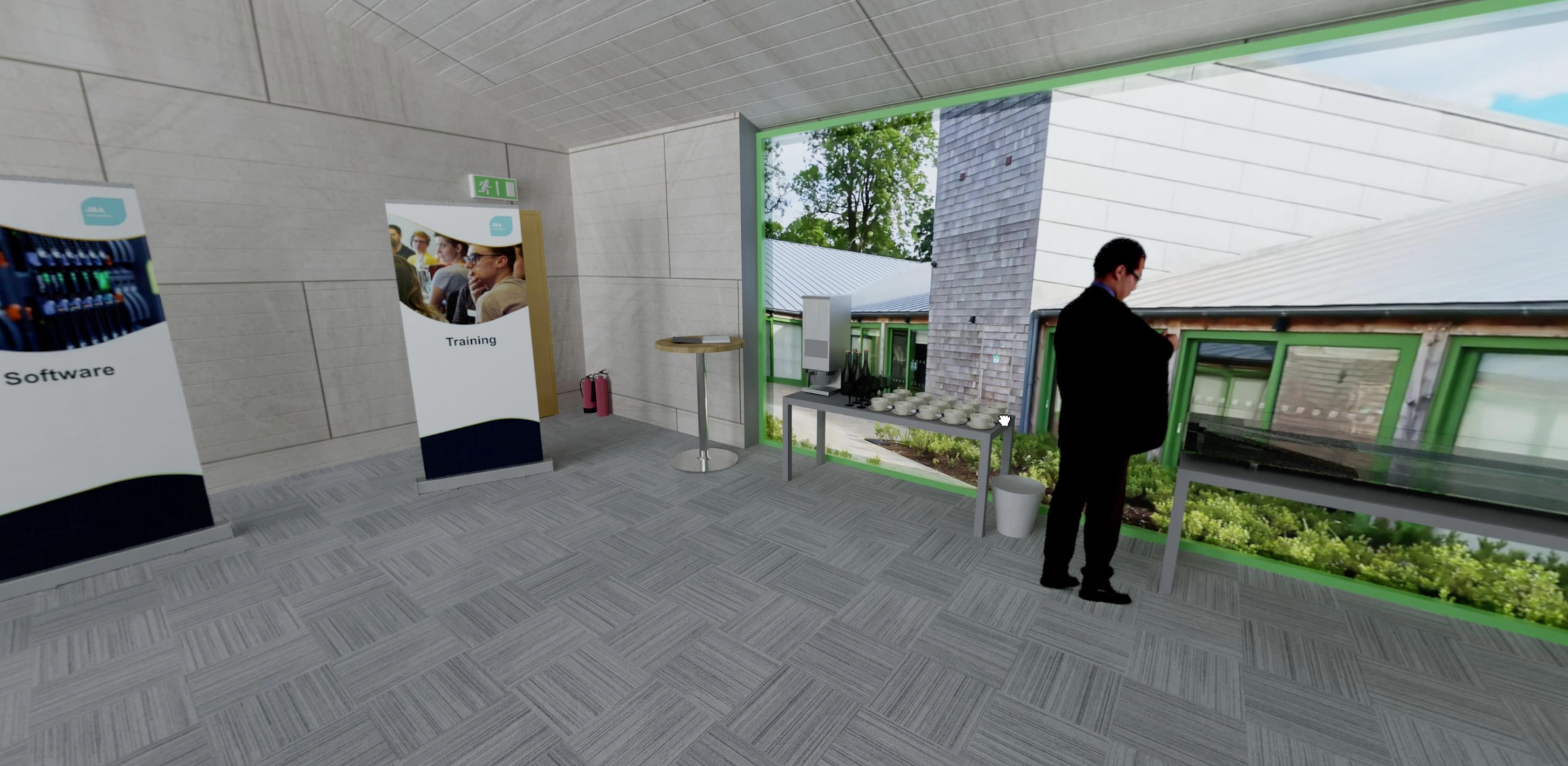
After receiving and testing the draft render I made a list of all the items in the room (what type of interactive furniture we have) and started to design all of the client facing artwork to be applied on as textures. This included, the thumbnail for videos in tv screen, room banners, window backgrounds and all the banners on the stands.
Once all my texture from the previous step had been applied, I would view another draft render and then give my thumbs up for the official final render – which was sent to me as a Panoramic image file.
I would then import the panoramic file into the VR software and set up all of the interactivity, such as, clicking points on furniture, directional viewing, etc…
I would then package the files and send an offline version to be tested by the team.
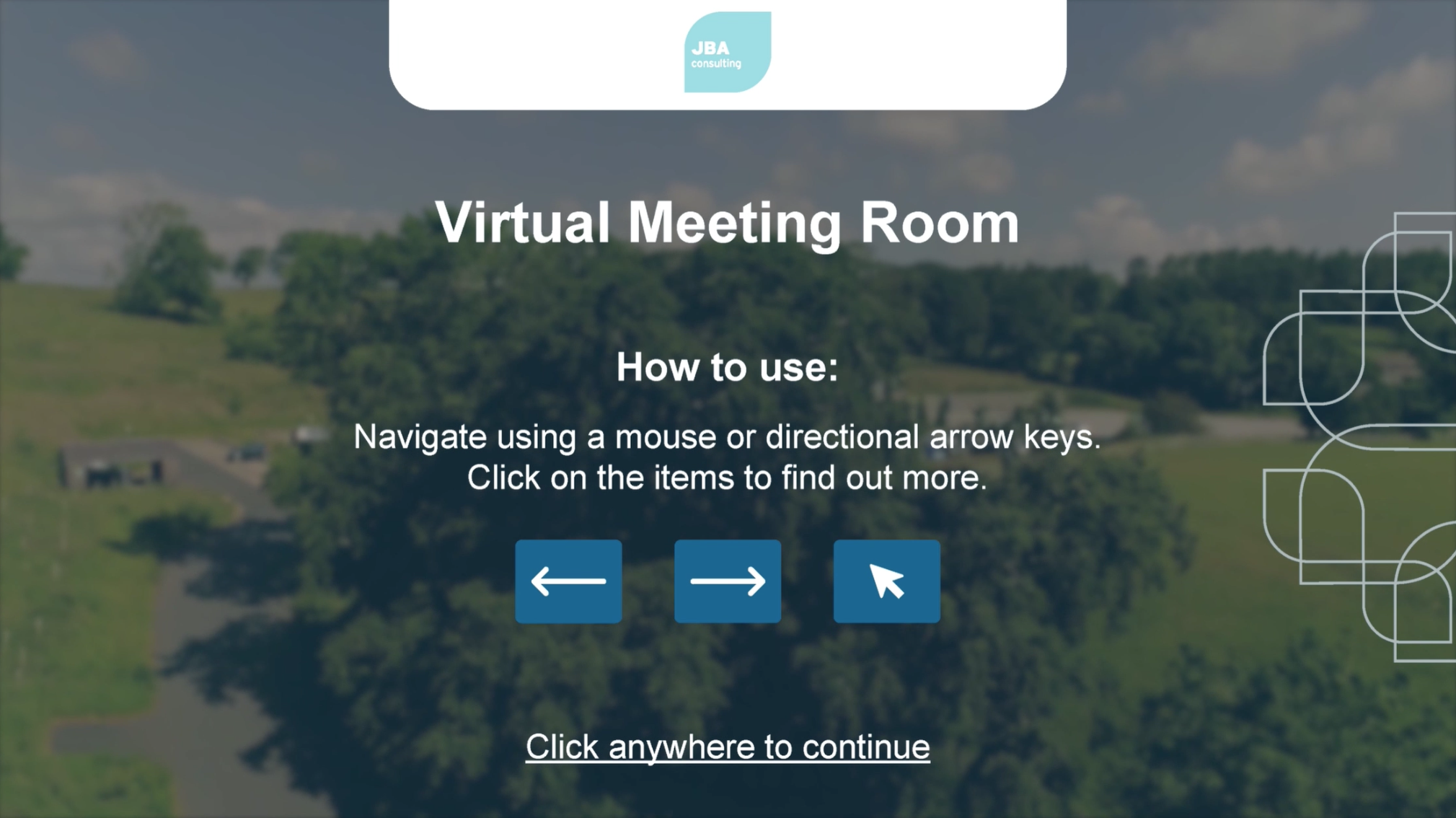
Whilst I waited for feedback, I would work on little GUI assets like arrows and pop up messages, etc…
As well as, creating a video based loading screen in Premier Pro.
Completed the tasks by doing a final packaging of the files and helping the dev team out with landing pages if required.
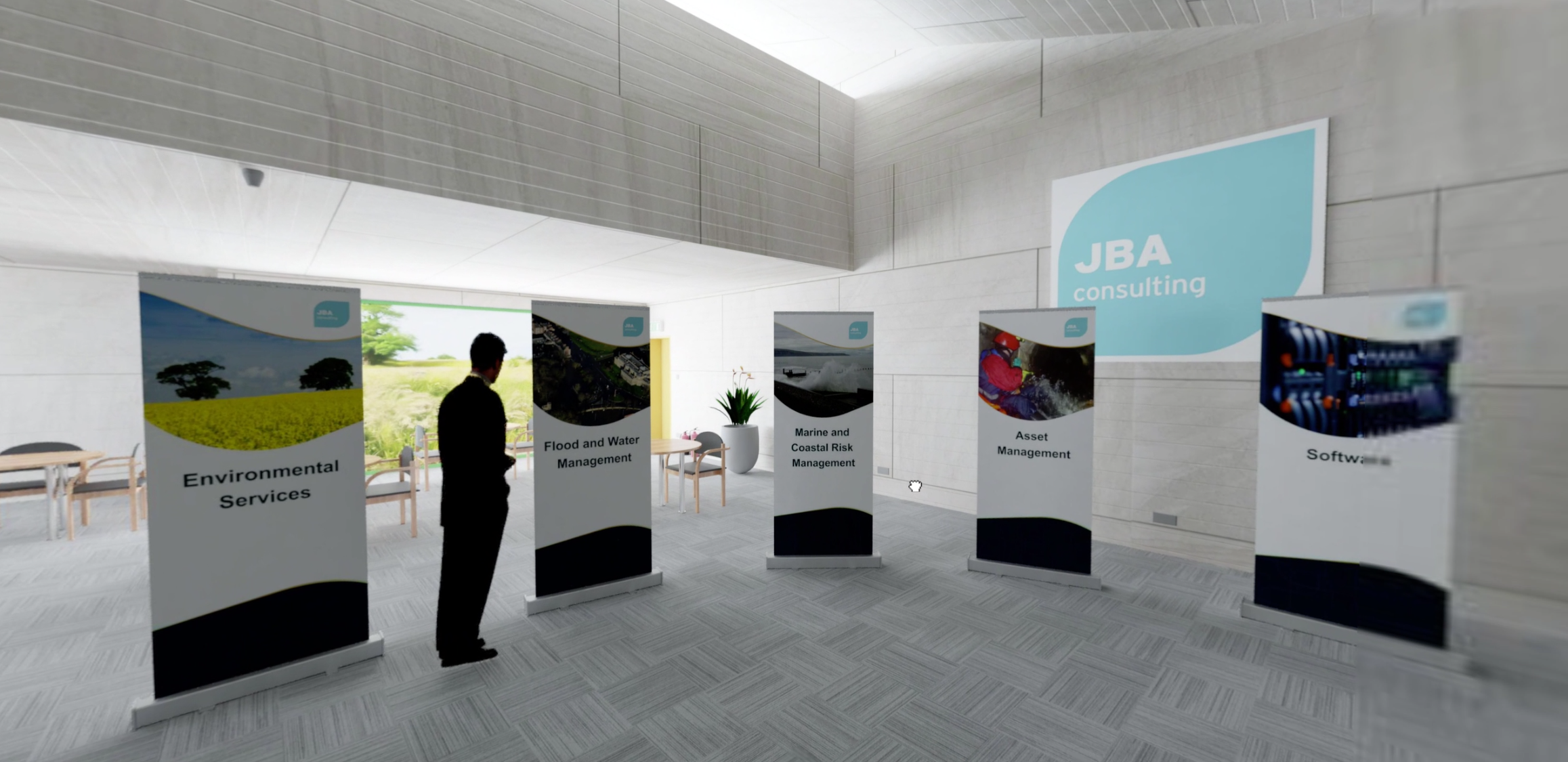
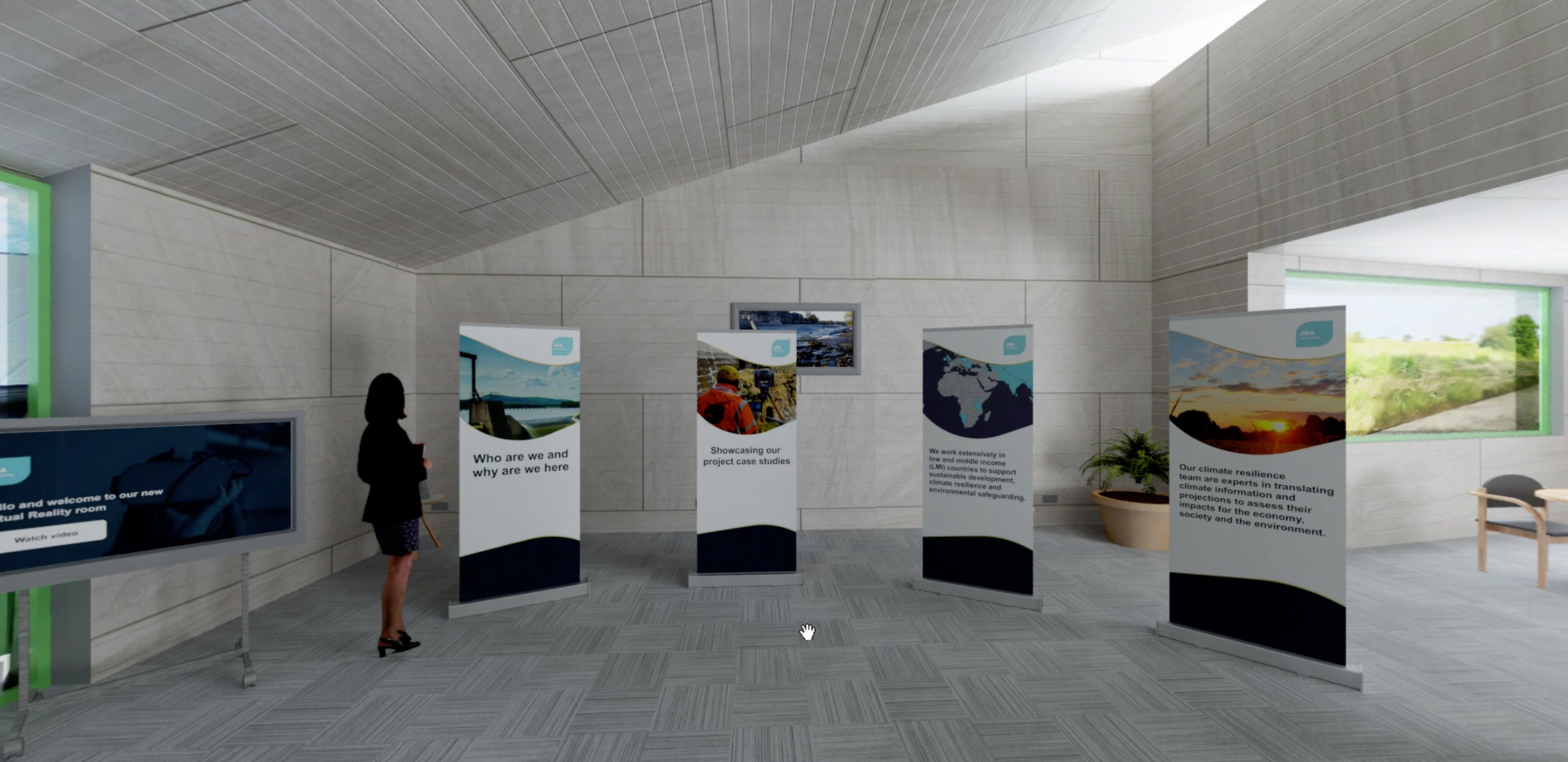
Various screen shots
Please watch the prototype above or get in touch to find out more.
Thank you!
Jump to another case study
Click on another case study to view it.
© creattaf.co.uk 2026. All rights reserved.
All trademarks, logos and brand assets are the property of their respective owners and are displayed for portfolio presentation purposes only. Contact me for more information.